Free iPhone · iPad · CarPlay

Your offline music player.

Offly is a free offline music player for iPhone and iPad. It also plays video. Import MP3, FLAC, and MP4 files you already own. No streaming account. No internet required.

Public beta on TestFlight. Plays your files without a subscription.

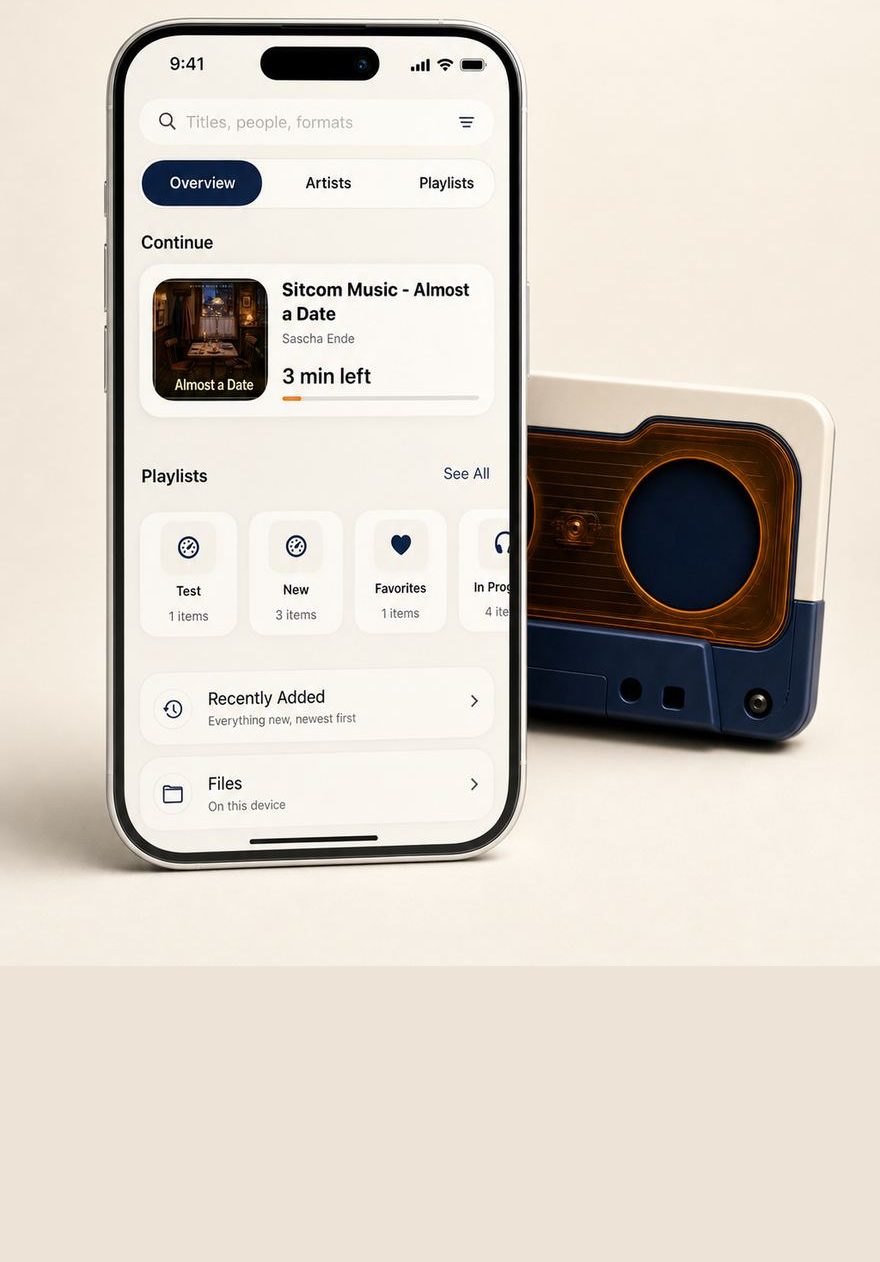
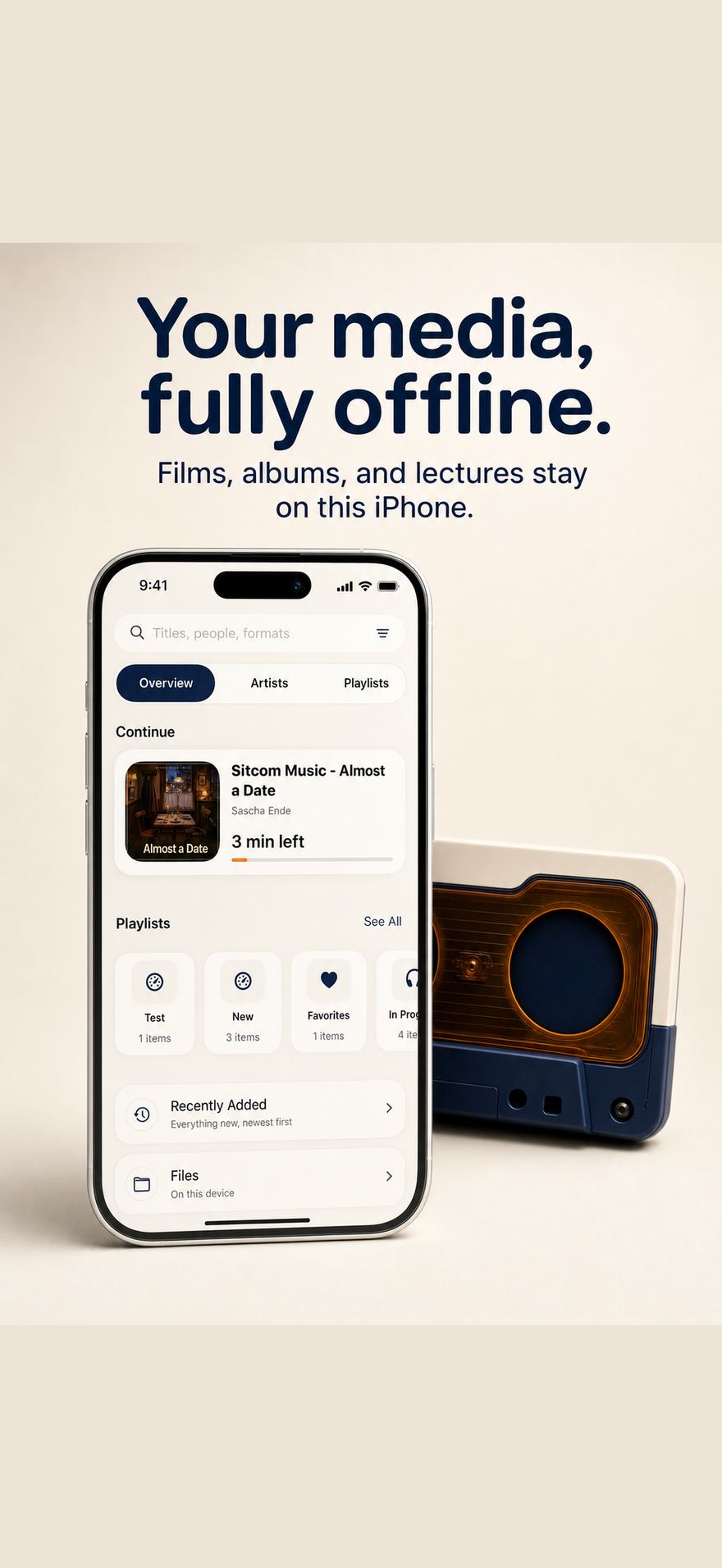
Offly on iPhone: an offline library of films, albums, and lectures with Overview, Artists, and Playlists.
Side A

Bring your library

A local file player, not a streaming app.

Offly organizes films, albums, and lectures you already have. Import from the Files app and Photos, link a folder, or beam files over Wi-Fi from a laptop.

On this device

Import from Files and Photos

Tap + and add titles from the Files app or pull videos out of Photos. Offly keeps audio and video in one library, with search across titles, people, and formats.

Resume where you left off. Favorites, Recently Added, In Progress, Lectures, and Lossless sit next to the playlists you make.

Offly Overview on iPhone with Continue, playlists, and Files on this device.

Linked folders

Your whole library, organised

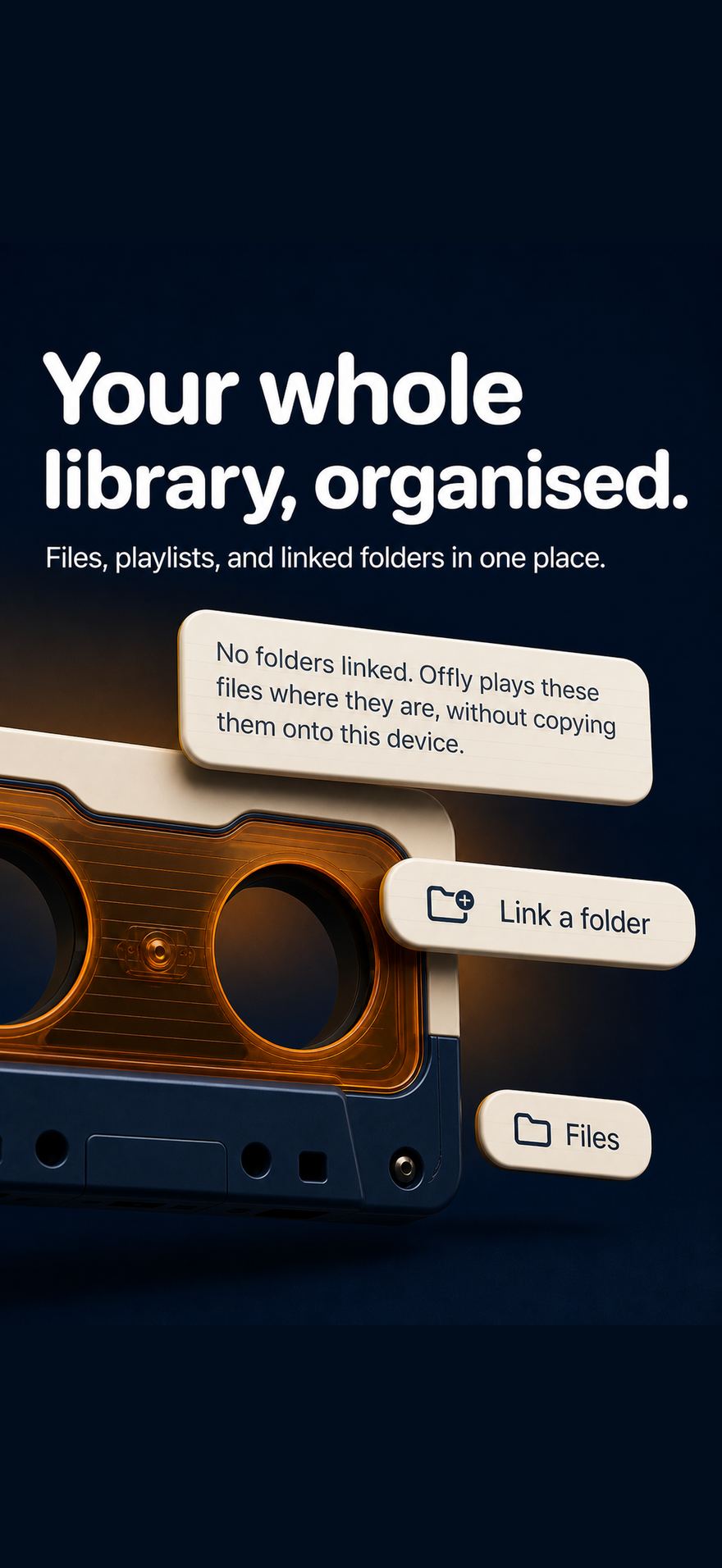
Point Offly at a folder once. New files appear. Removed ones tidy up. Linked folders, including iCloud Drive, play in place so you are not duplicating a music collection onto the iPhone just to browse it.

Files on this device stay a separate room from Linked Folders. Import copies in. Linking leaves the originals where you put them.

Offly linked folder cards with Link a folder and Files actions.

Wi-Fi sharing

Beam files from a Mac or PC

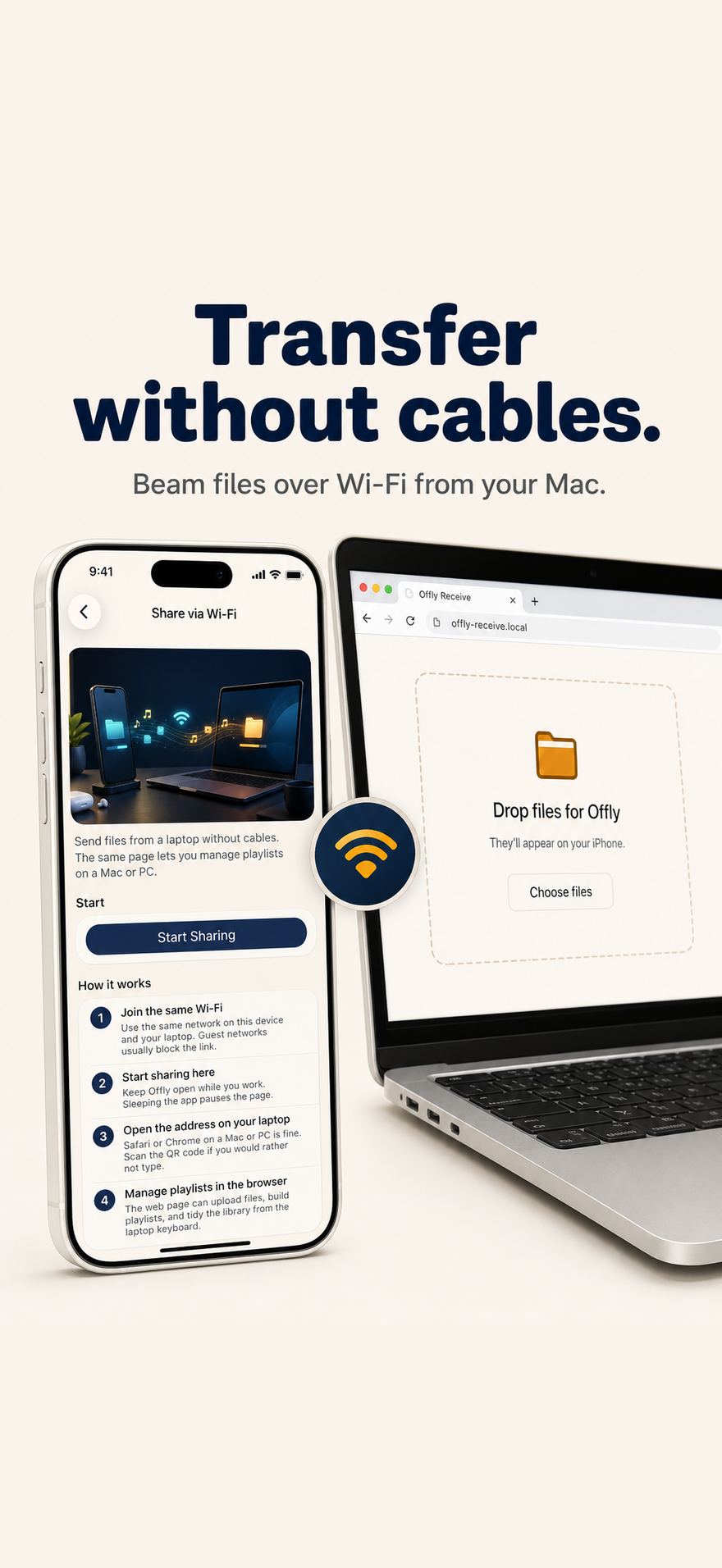
Join the same Wi-Fi, start sharing in Offly, and open the address in Safari or Chrome. Scan the QR code if you would rather not type. Drop files onto the page. They show up on the iPhone.

The same local page can upload files, build playlists, and tidy the library from a laptop keyboard. Keep Offly open while you work. Guest networks usually block the link.

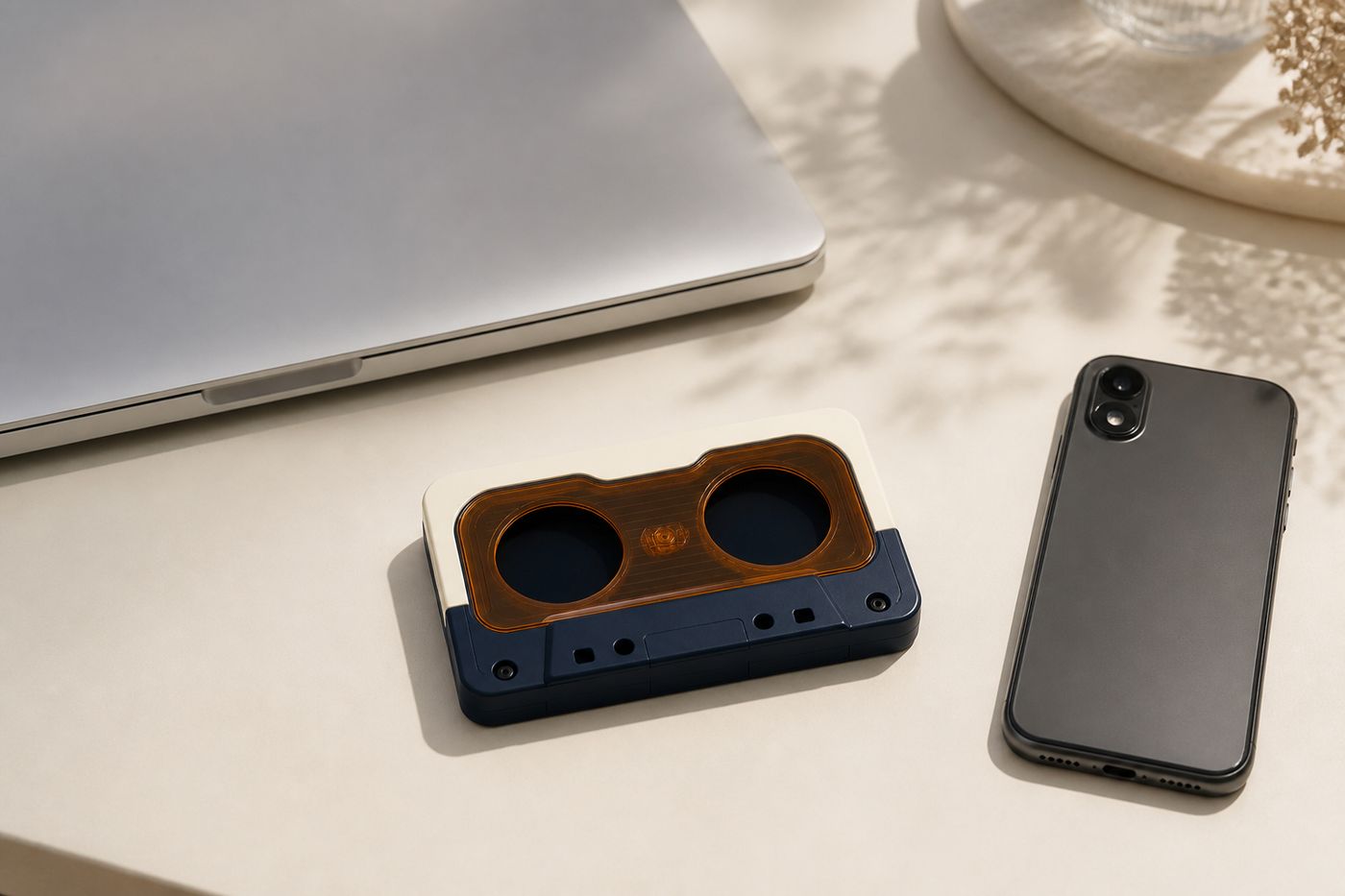
Laptop, iPhone, and Offly cassette on a desk for wireless transfer.
Share via Wi-Fi in Offly next to a laptop drop page.

Music app

Downloads you already paid for

Offly can import songs that are already downloaded in the Music app on this device, then keep that list in sync. Albums, artists, and playlists come along. This is local playback of files on the phone, not Apple Music streaming.

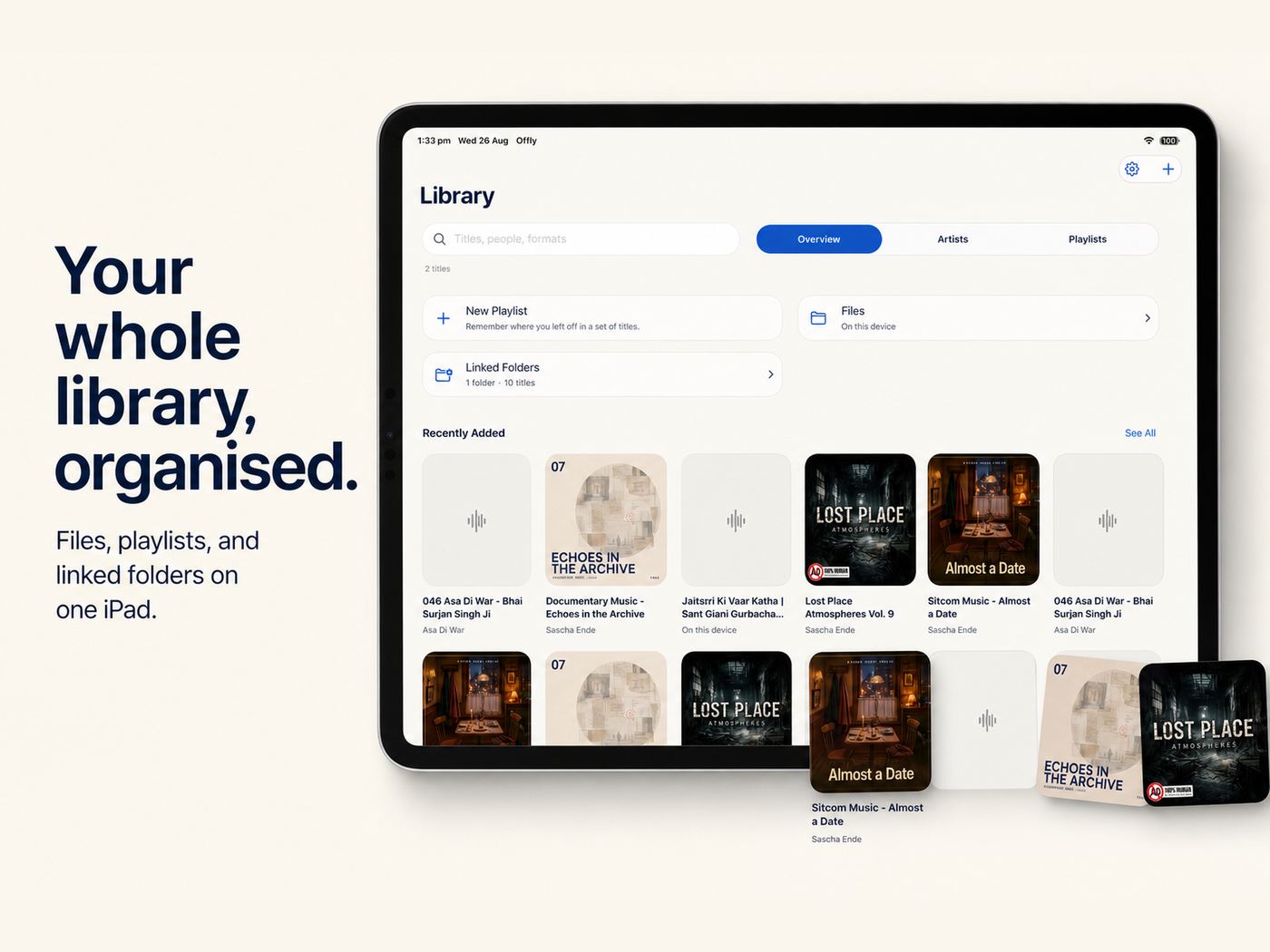
Offly library on iPad with Files, Linked Folders, and recently added artwork.
Side B

Take it with you

CarPlay, Siri, and the Home Screen.

The same library follows you into the car and onto the lock screen. Hands on the wheel. Playback on the dash.

B1 · CarPlay

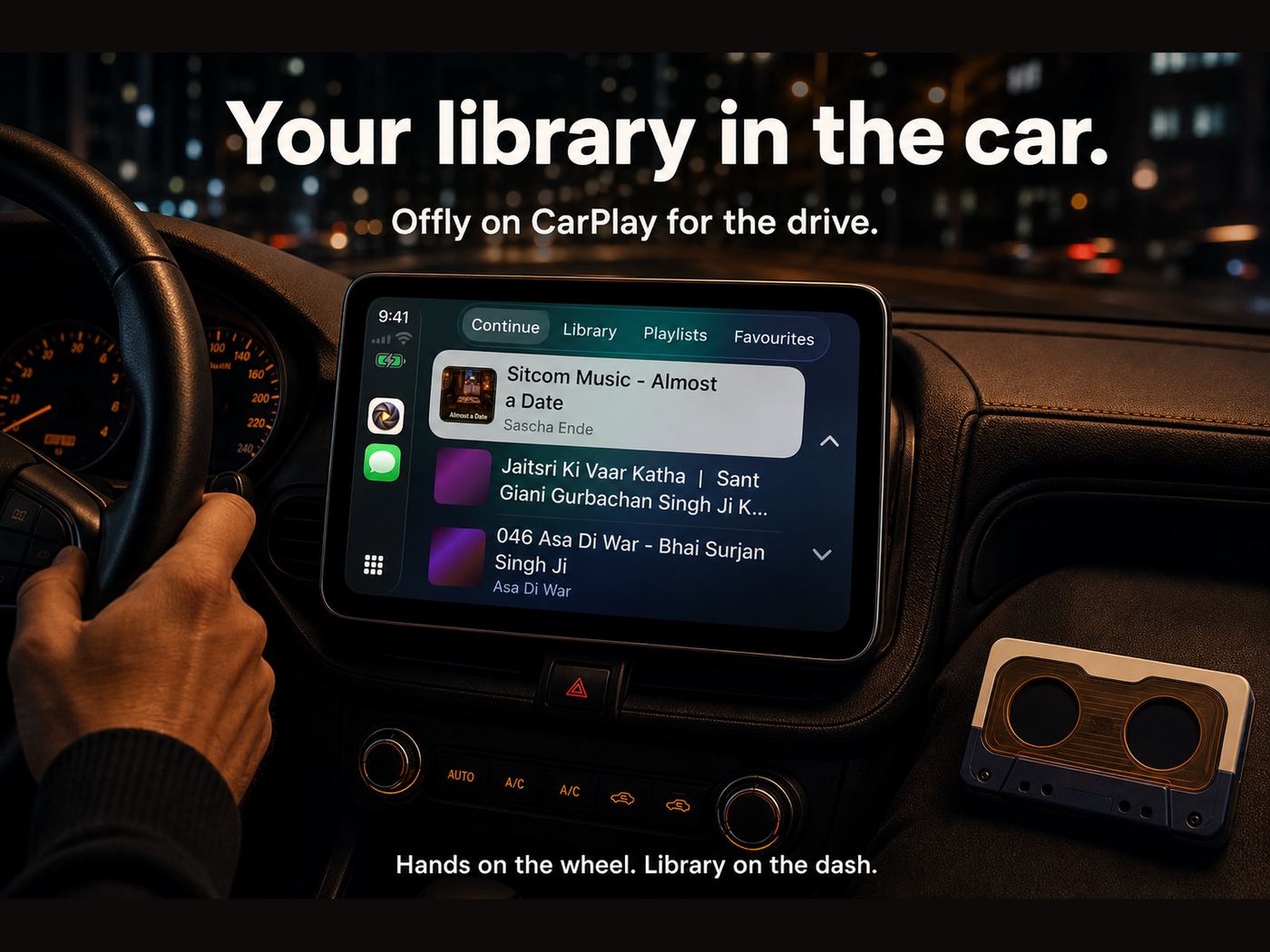
Your library in the car

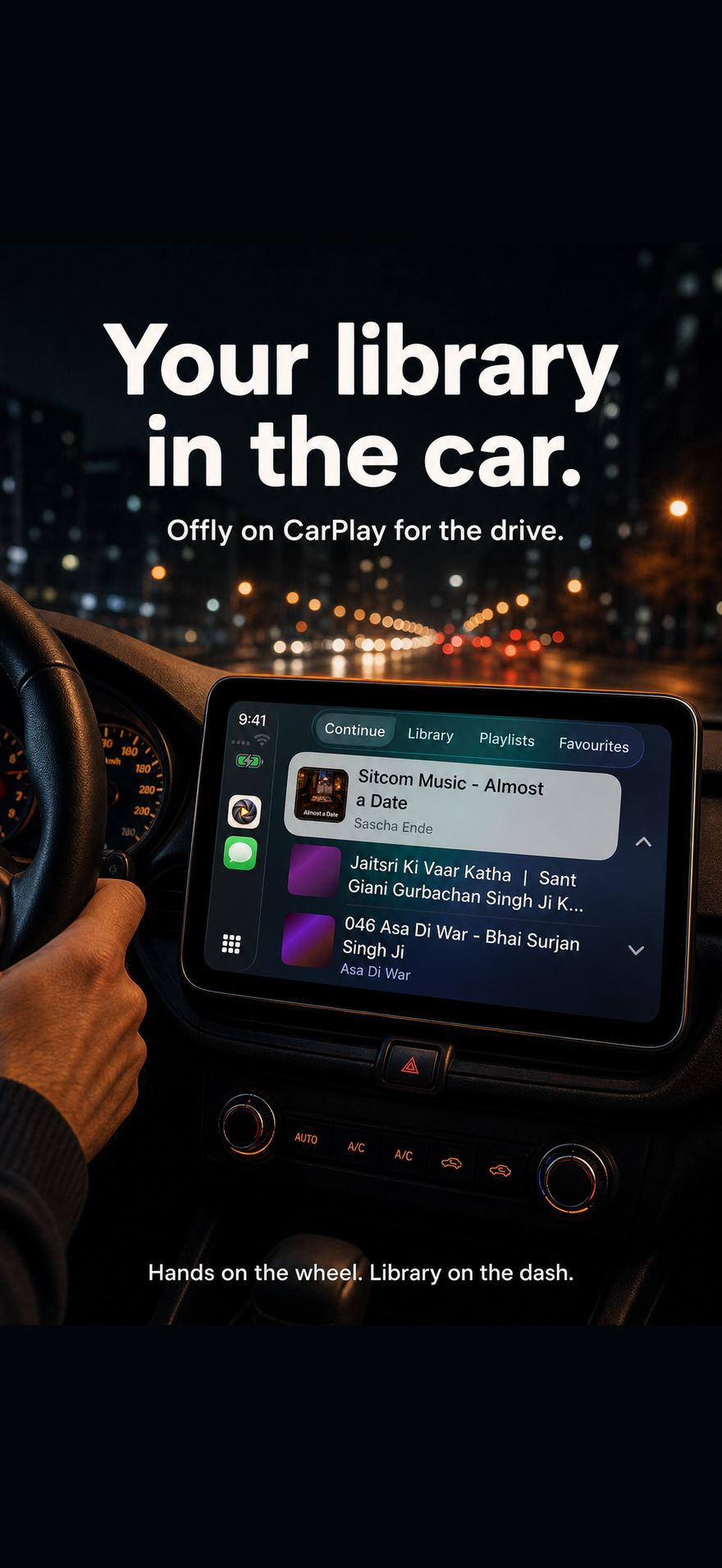
Continue, Library, Playlists, and Favorites on CarPlay. Offly is built as a music app with a full in-car template, not a phone screen mirrored to the dash.

B2 · Siri

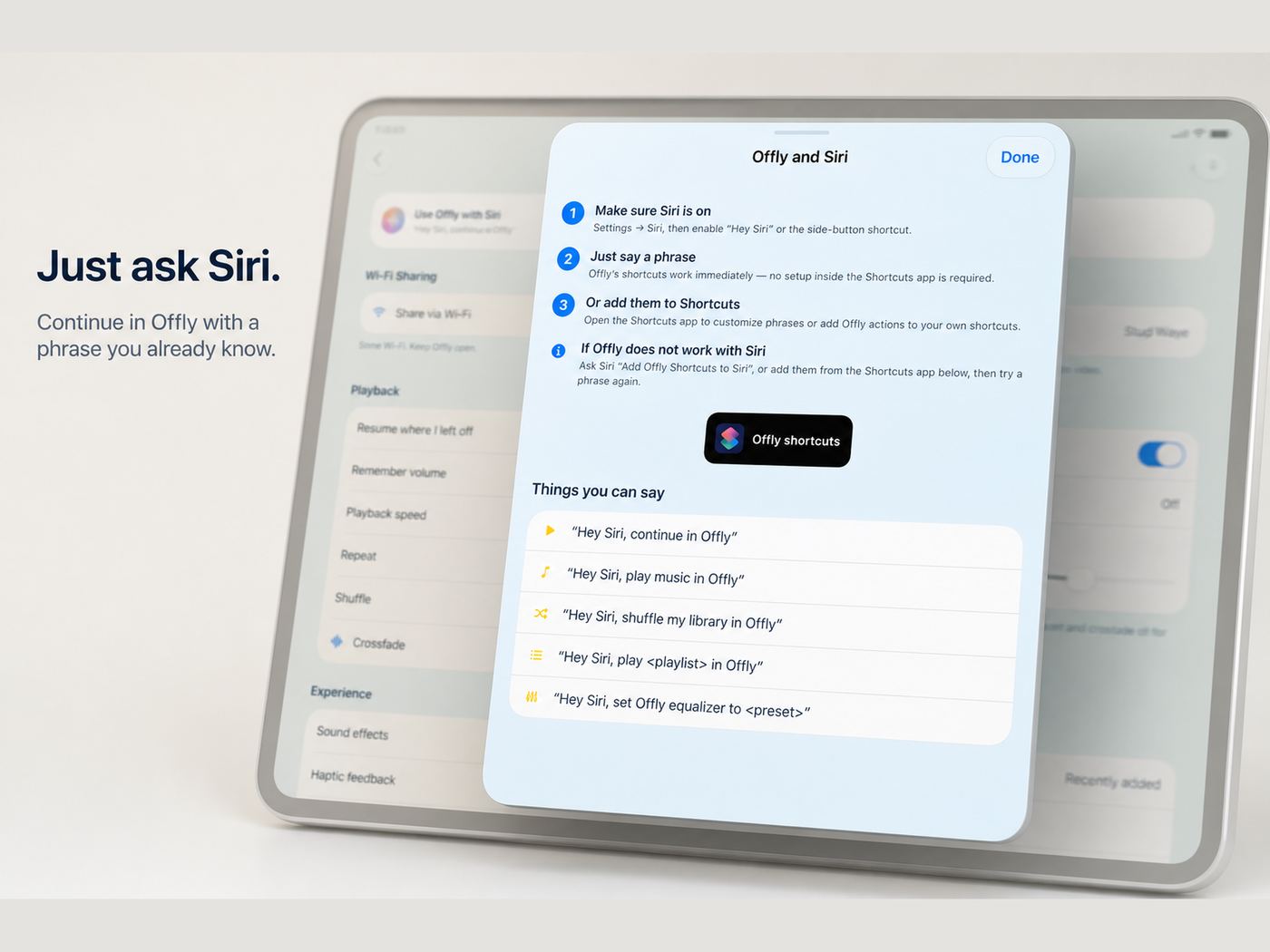
Just ask Siri

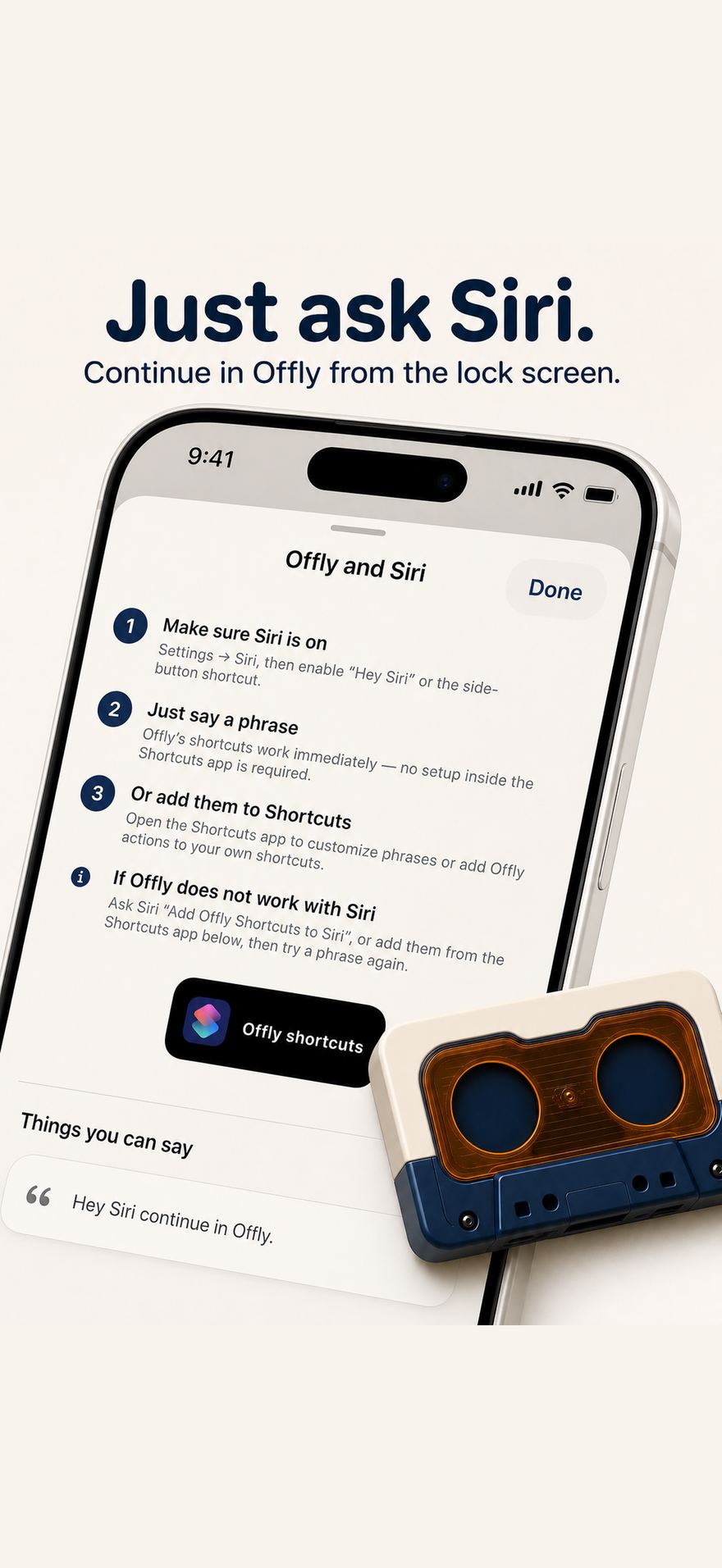
Say “Hey Siri, continue in Offly.” Play a playlist, play Favorites, Lectures, or In Progress, and set the equalizer from Shortcuts. No extra setup for the basic phrases.

B3 · Widgets

Control from the Home Screen

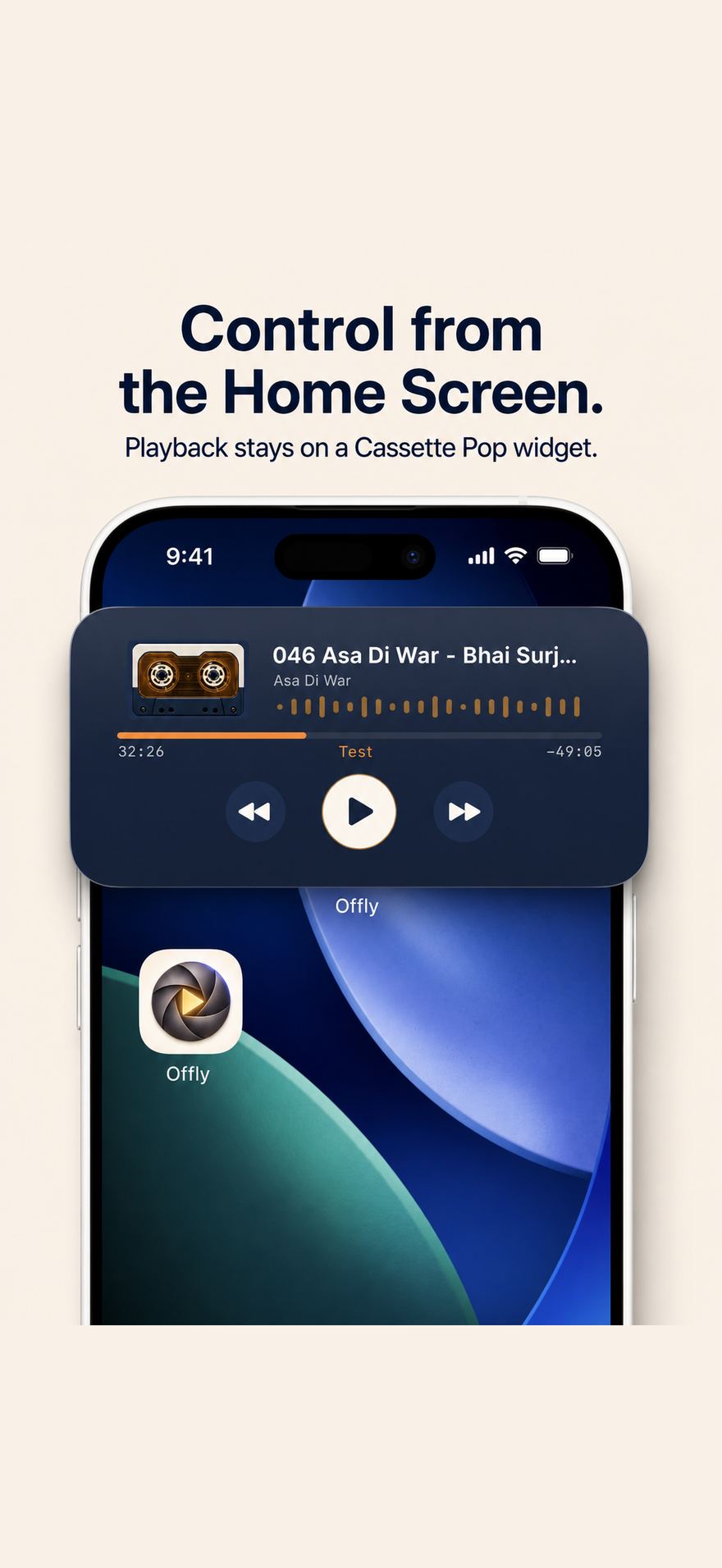
Cassette Pop widgets keep skip, play, and progress on the Home Screen. Pin a playlist and start it in one tap.

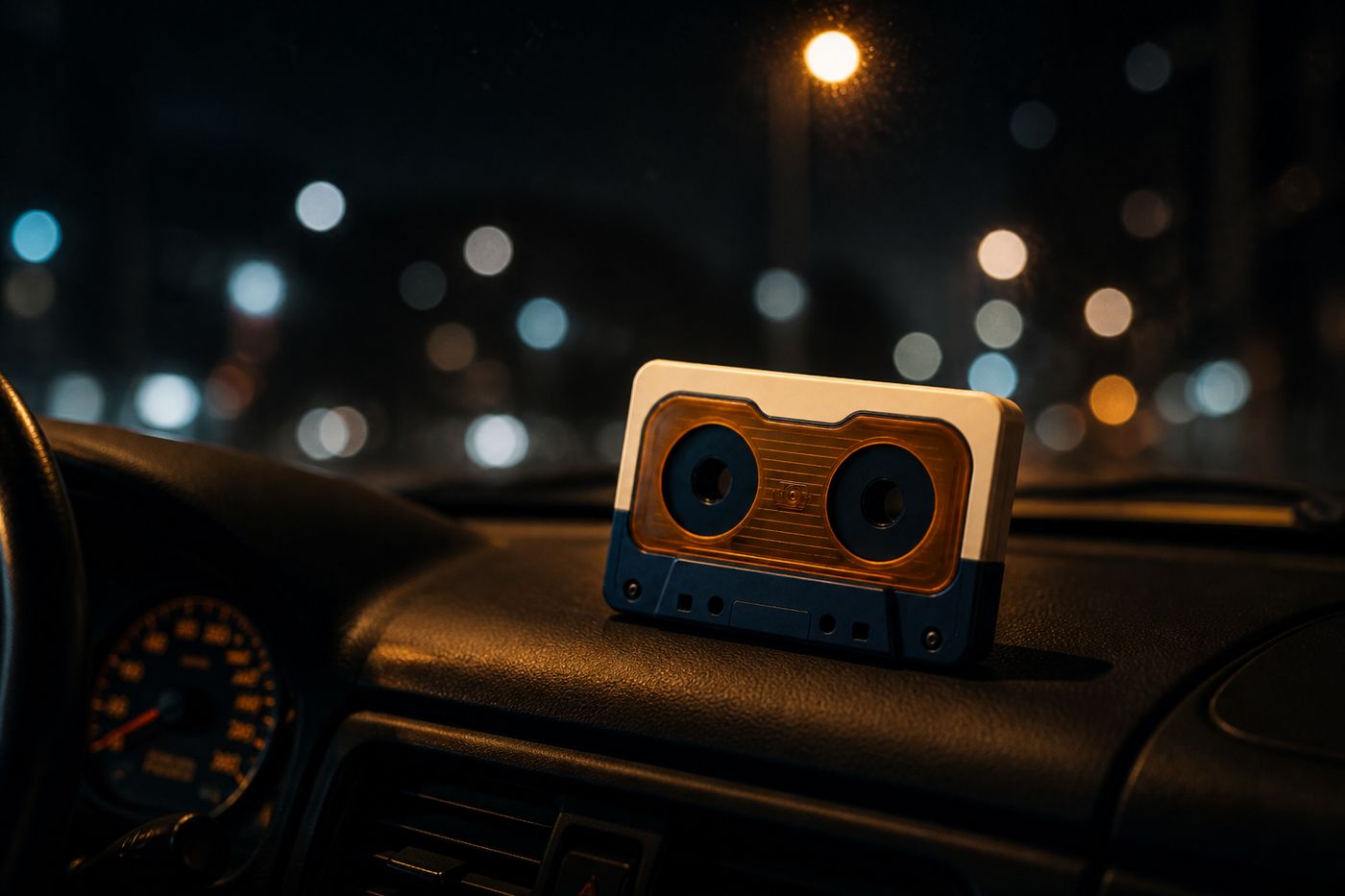
Night drive with an Offly cassette on the passenger seat.
Offly CarPlay Continue list on a car infotainment screen.

Voice & lock screen

Continue without unlocking

Offly registers as a player Siri already knows. If a phrase misses, ask Siri to add Offly shortcuts, or open them from the Shortcuts app. Background audio keeps lectures and albums going when the phone is in your pocket.

Offly and Siri screen with the phrase Hey Siri continue in Offly.

Home Screen

A cassette on the wallpaper

Interactive widgets show the current title, remaining time, and queue. The Look you pick restyles the widget as well as the player, so Cassette Pop on the Home Screen matches Cassette Pop in the app.

Offly Cassette Pop widget with playback controls on the Home Screen.
Looks

Five rooms

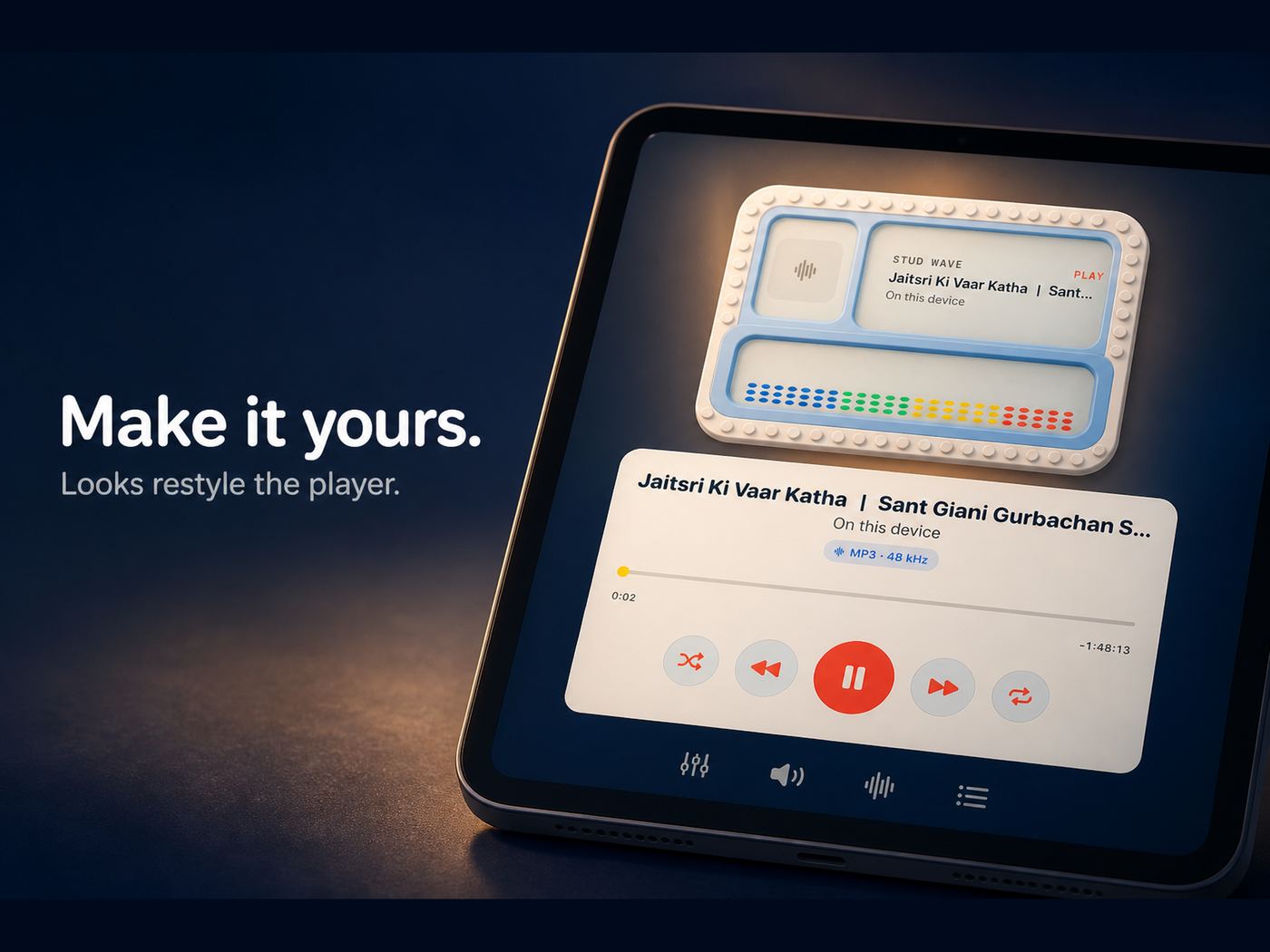
Make it yours.

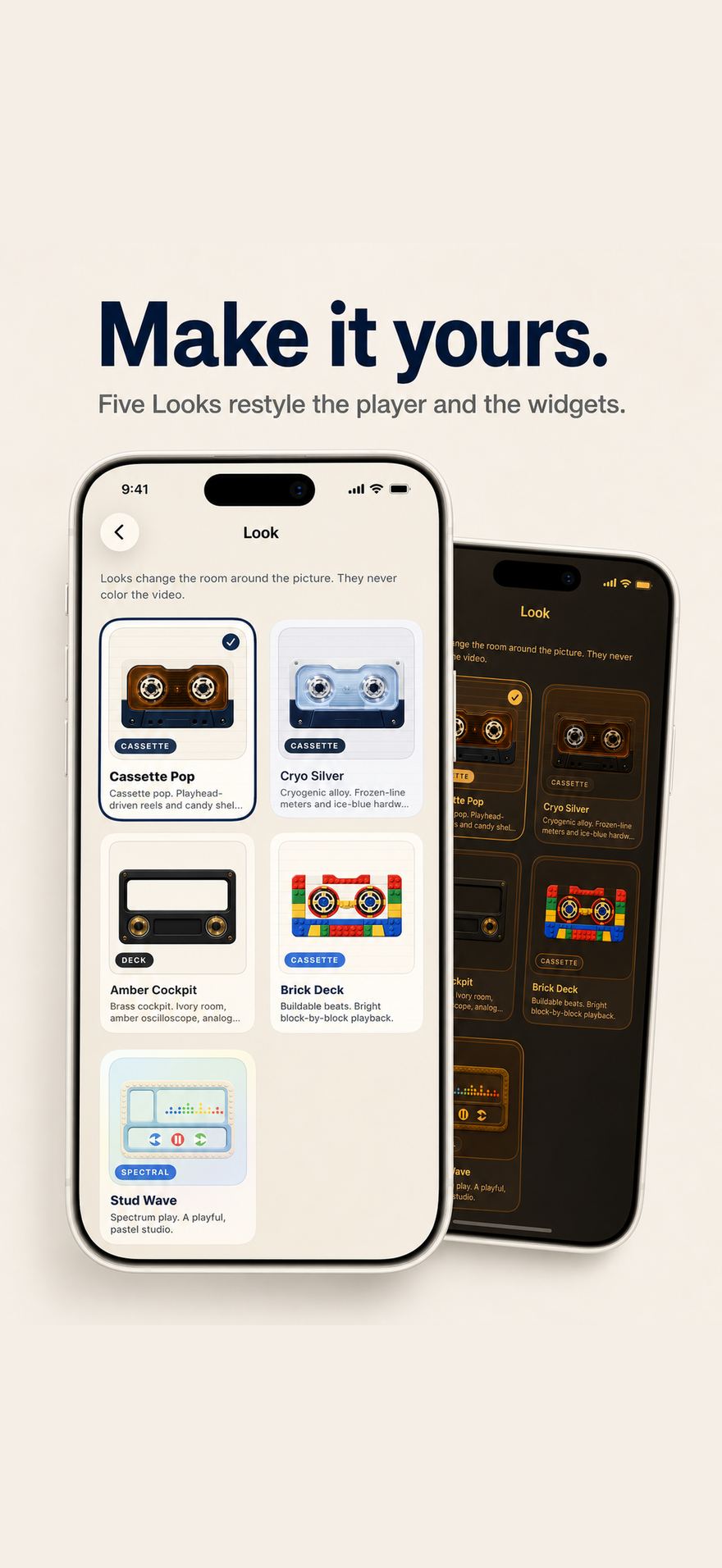
Looks restyle the app, the player, and the widgets. They change the room around the picture. They never color the video.

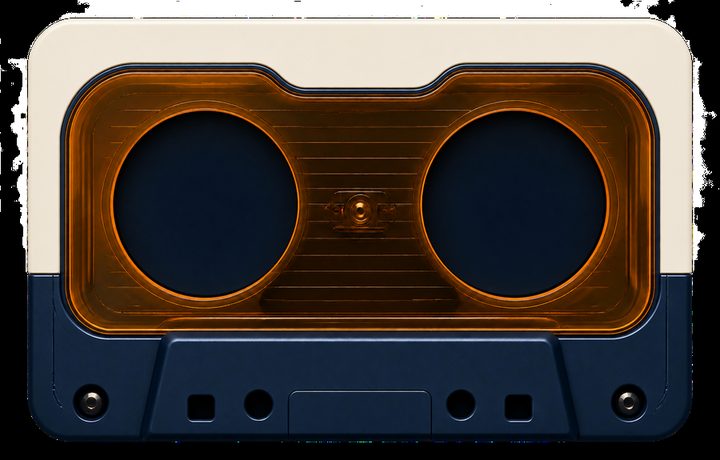
Cassette Pop hardware: cream and navy shell with an amber window.

Cassette Pop

Playhead-driven reels and candy shell controls. The default Look.

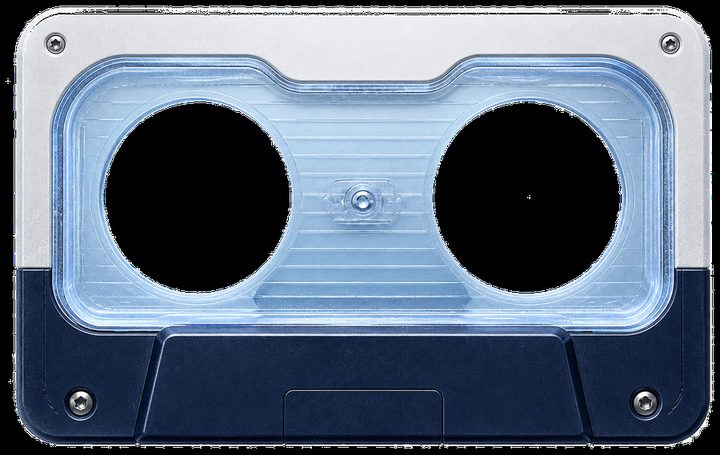
Cryo Silver cassette with a pale ice-blue window.

Cryo Silver

Cryogenic alloy. Frozen-line meters and ice-blue hardware.

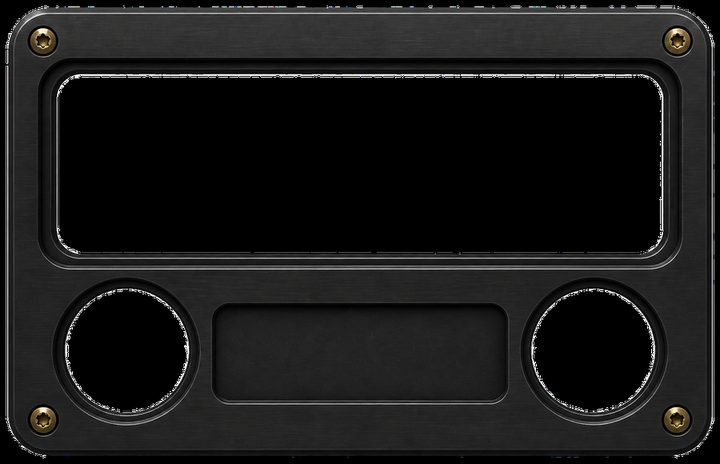
Amber Cockpit brushed metal bezel with brass screws.

Amber Cockpit

Brass cockpit. Ivory room, amber oscilloscope, analog knobs.

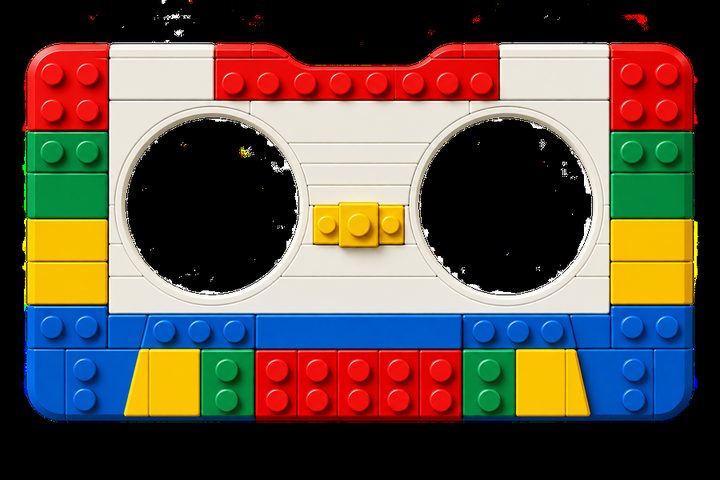
Brick Deck cassette built from colorful toy bricks.

Brick Deck

Buildable beats. Bright block-by-block playback.

Stud Wave toy frame with pastel studio windows.

Stud Wave

Snap-on sound. A playful spectrum built in color.

Look gallery on iPhone with Cassette Pop selected among five Looks.
Sound

Playback

Tune the path from file to speaker.

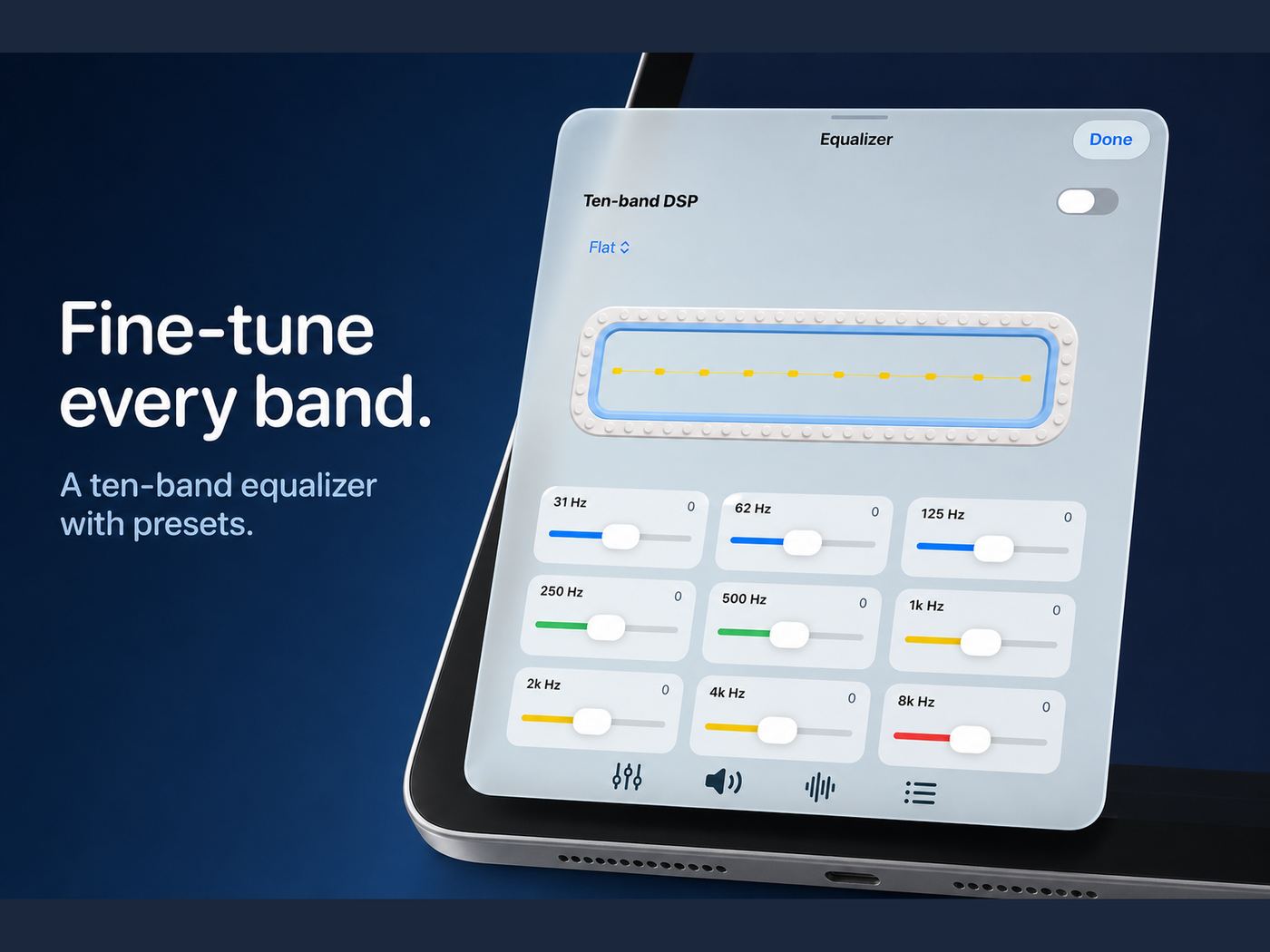
Ten-band equalizer

31 Hz through 16 kHz, with presets for bass, voice, live rooms, rock, and a custom curve. Fine-tune every band, then save the shape you actually listen with.

Crossfade

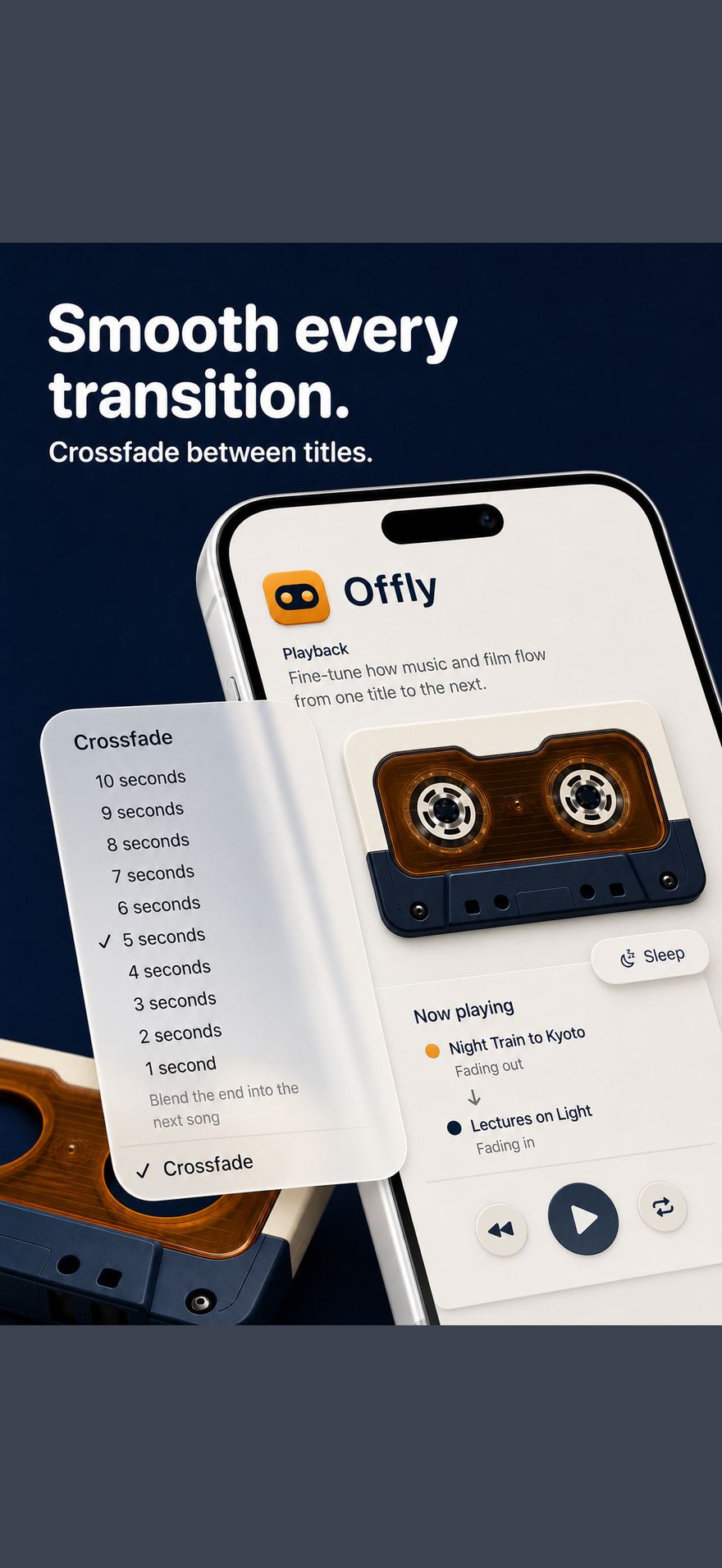
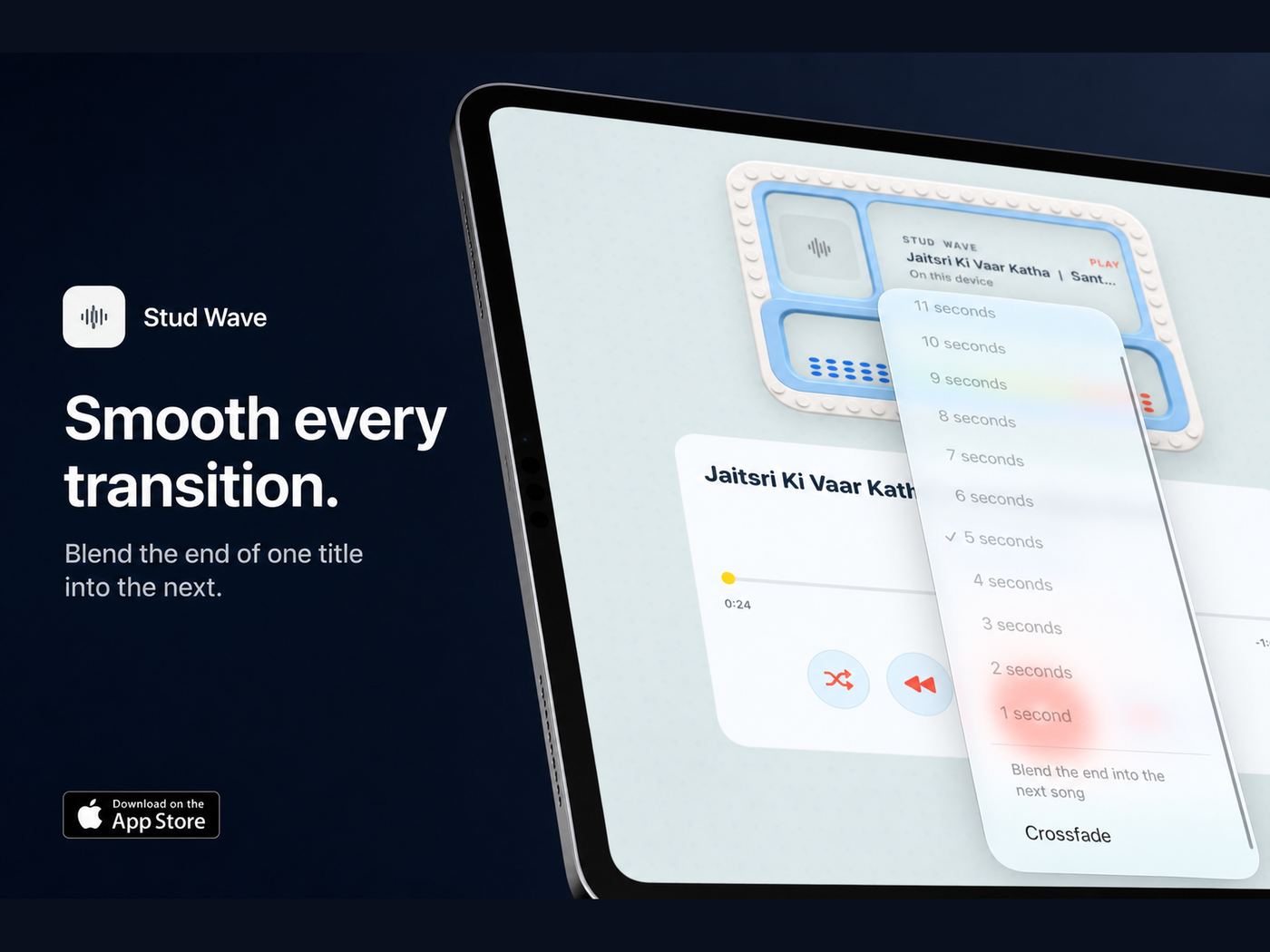
Blend the end of one title into the next, from 1 to 10 seconds. Albums keep moving. Lectures do not slam into silence.

Sleep timer

Stop after 5, 15, 30, 45, or 60 minutes. Built for falling asleep to a katha, a film, or a long FLAC album.

HiFi, AirPlay, Picture in Picture

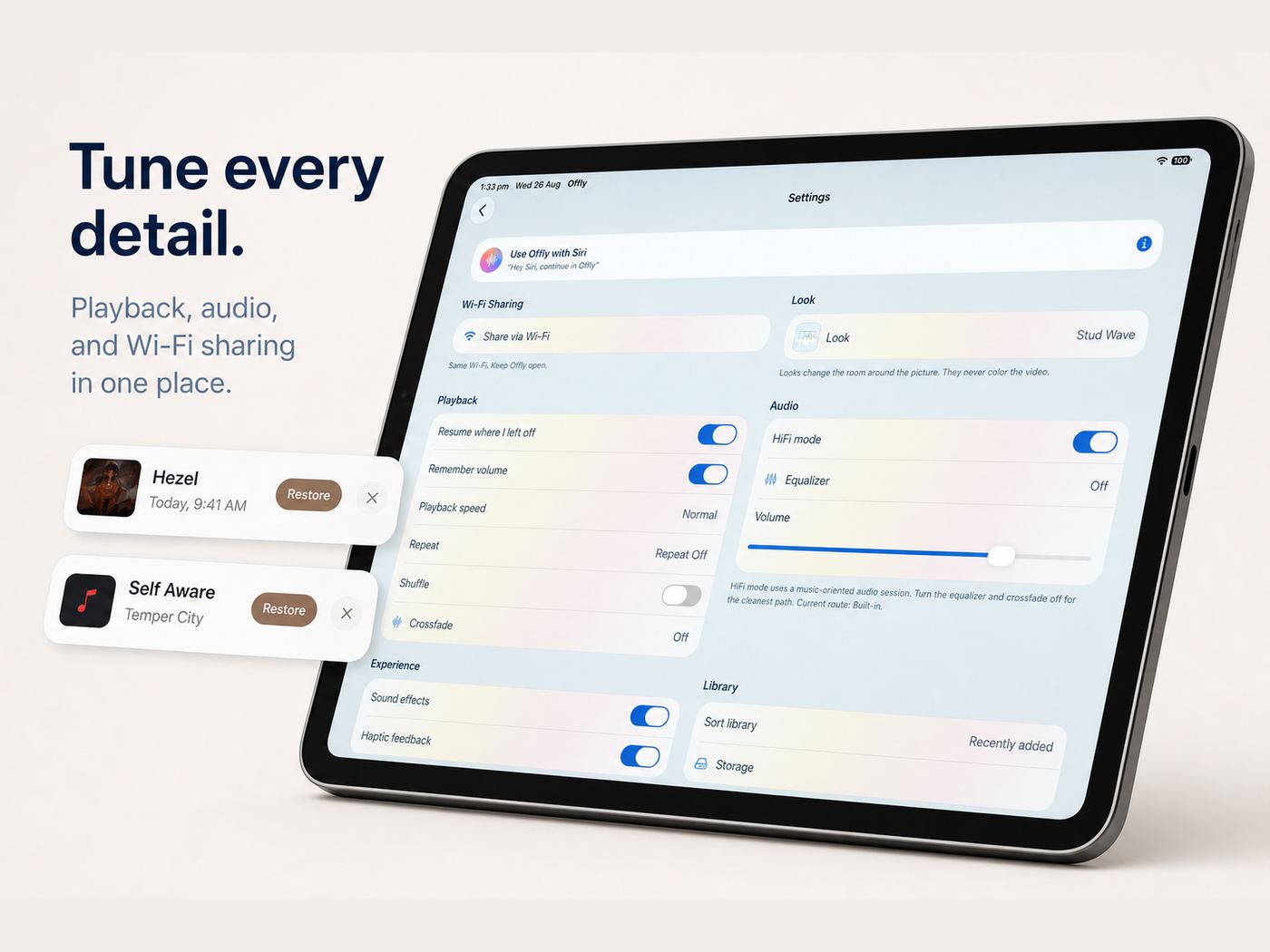
HiFi mode uses a music-oriented audio session. AirPlay sends sound to the room. Films can leave the player in Picture in Picture. Shuffle, repeat, and remembered volume sit in Settings.

Offly ten-band equalizer on iPad with frequency sliders and presets.
Crossfade set to 5 seconds, blending one song into the next.
iPad

Bigger room

The same library, with desk space.

Offly is a universal app. On iPad the library, Looks, equalizer, and settings get the extra width. Playlists still remember where you stopped.

Offly iPad library. Offly iPad player with Cassette Pop hardware. Offly CarPlay from the iPad screenshot set. Offly Siri sheet on iPad. Offly playback settings on iPad. Equalizer on iPad. Crossfade on iPad.

Free No account to play your files

Offly is free to use.

Download the offline music and video player for iPhone and iPad. Import your library, link a folder, and take it to the car. You do not pay to play files you already own.

FAQ

Before you download

What is an offline music player?

An offline music player plays files stored on the device, or in a folder you can reach without a network. Offly is a free offline music player for iPhone and iPad. You add the albums, lectures, and films you already own. Playback does not need a streaming account or a data connection.

Is Offly free?

Yes. Offly is free to use. Playback, import, linked folders, CarPlay, Siri, widgets, the equalizer, crossfade, and Wi-Fi transfer are there to play your own media. There is no streaming subscription and no account required to build a library.

Is this an offline MP3 and FLAC player for iPhone?

Yes. Offly plays local audio including MP3, FLAC, AAC, WAV, M4A, AIFF, CAF, and OGG. It also plays video in MP4, MOV, and M4V. It is a local file player, not a YouTube downloader and not an Apple Music streaming client.

How do I add music and films?

Import from the Files app or Photos, link a folder (including iCloud Drive) so Offly plays files in place, transfer over Wi-Fi from a Mac or PC browser, or bring in songs already downloaded in the Music app on this device.

Does Offly work without internet?

Playback is offline. Files on the device and files in a linked folder you can reach without a network keep playing on a plane, in a basement, or in the car. Wi-Fi sharing needs a local network only between the phone and the laptop, not the public internet.

Does Offly support CarPlay and Siri?

Yes. Offly has CarPlay for Continue, Library, Playlists, and Favorites. Siri phrases include “continue in Offly,” play a playlist, and play Favorites, Lectures, or In Progress. Home Screen widgets keep transport on the cassette.

Where do my files go?

Imported files live in Offly’s on-device library. Linked folders stay where you left them. Offly does not upload your library to a cloud of its own. Read the privacy policy for the full note.

What devices can run Offly?

iPhone and iPad on iOS 18 and iPadOS 18 or later. CarPlay uses the iPhone in the car. Wi-Fi sharing works with Safari or Chrome on a Mac or PC on the same network.